
To manage user profiles select "Account >> Account Admin"

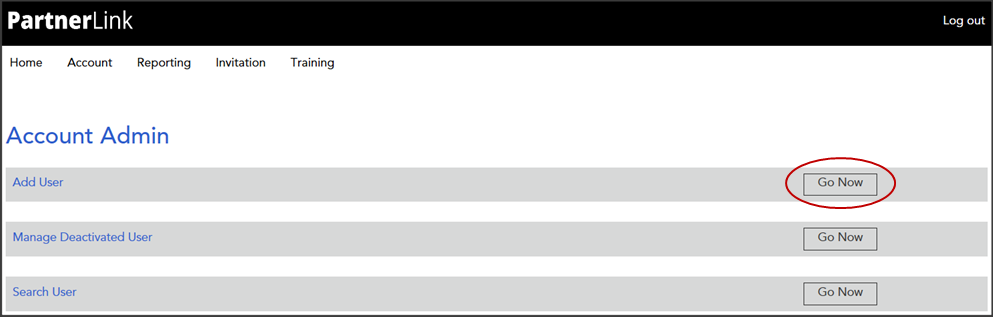
From the Account Admin page select the Add User "Go Now" option
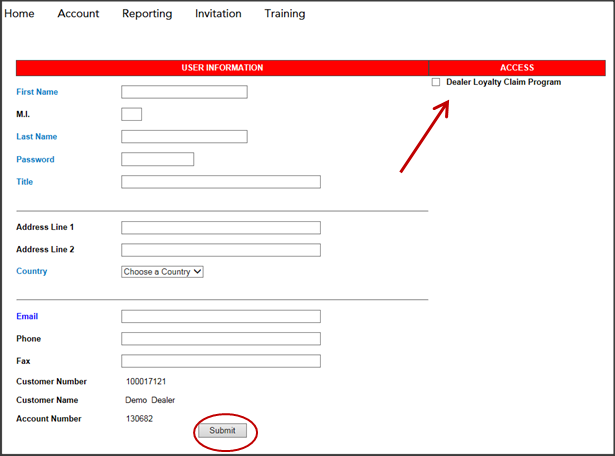
Complete the "User Information" details, select Dealer Loyalty Claim Program and click "Submit"
Once submitted, the user will receive an email notification which will include their login credentials
A confirmation e-mail will be sent to you from the help desk mailbox

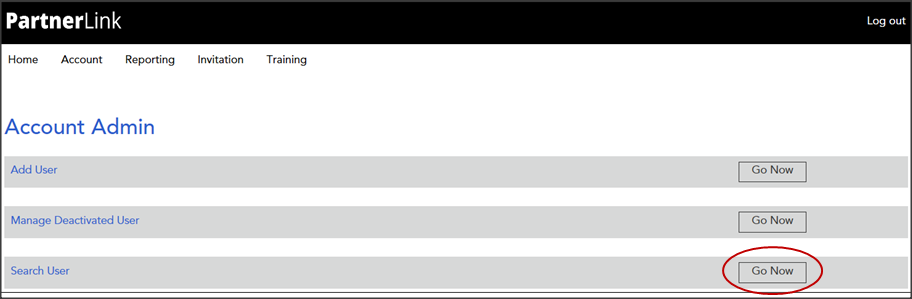
From the Account Admin page select the Search User "Go Now" option to update or remove a user's access
Use the Search Filter to locate user profiles. Select a user name to edit or delete a user profile
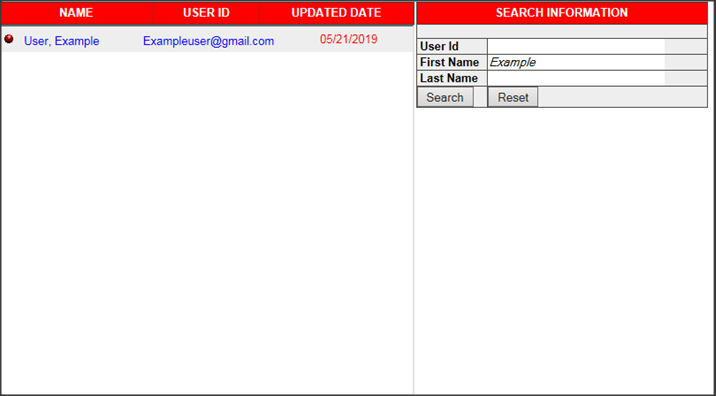
This will populate the user profile window allowing you the ability to update or delete the profile
