
You will receive an e-mail invitation with instructions on how to set up your account
Click the hyperlink to begin setting up your portal account

Fill out all required fields including your password, first/last name, and telephone number and submit

A notice will display confirming successful registration

A confirmation e-mail will be sent to you from the help desk mailbox

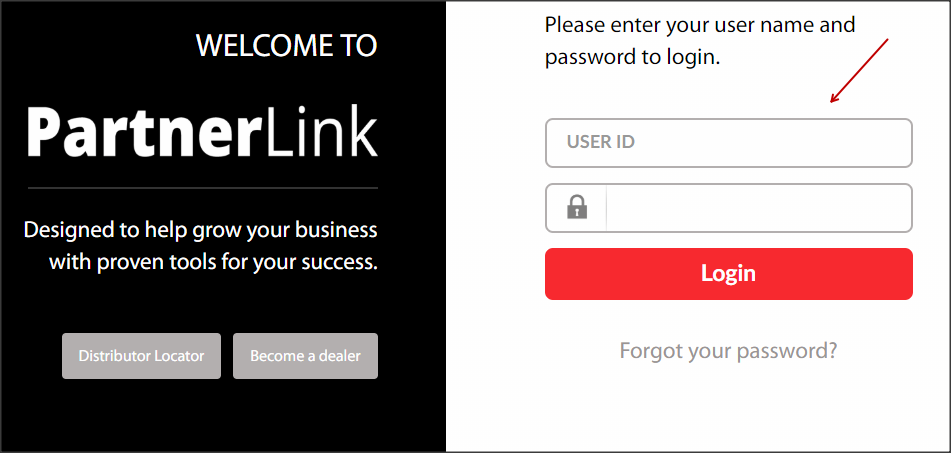
Log into PartnerLink at "partner.goodmanmfg.com" and enter your e-mail address and password
From the PartnerLink homepage select Account >> Account Admin

Select Search User Go Now

Locate your profile by entering your User ID, First or Last Name and click Search
A hyper-link of your Name and User ID will populate
Select the hyper-link to enter your profile access settings

Under Applications select Dealer Loyalty Claim
Please Note: All personal information is auto-populated by the system

Select Update to save changes
